VMware vCenter Site Recovery Manager: Failback
When you are using SAN-based replication, VMware vCenter SRM provides you with the ability to perform …
VMware vCenter Site Recovery Manager: Failback
When you are using SAN-based replication, VMware vCenter SRM provides you with the ability to perform …
Using VMware vC Ops to Solve Capacity & Performance Issues for a SAP P2V Migration
From VMworld 2012 – Join Ben Scheerer (VMware) and Consultant …
VMware and Desktone: A Conversation
Scott Davis, CTO of End User Computing at VMware and Peter McKay, CEO of Desktone, discuss DaaS, desktop-as-a-ser…
Hangouts – VMWare and Virtualization Basics
Humphrey Cheung www.routergods.com For a calendar of all of our upcoming Google Hangouts training and stu…
This how-to will go through steps on upgrading virtual Distributed Switch in VMware vSphere 5.1. I wanted to test and enable some of the new features in the new Vmware vSphere 5.1, particularly those related to VDS, such as LACP and Health check so decided to perform an upgrade on vDS in my home virtualization… Continue reading How to upgrade VMware VDS using vSphere Web Client 5.1
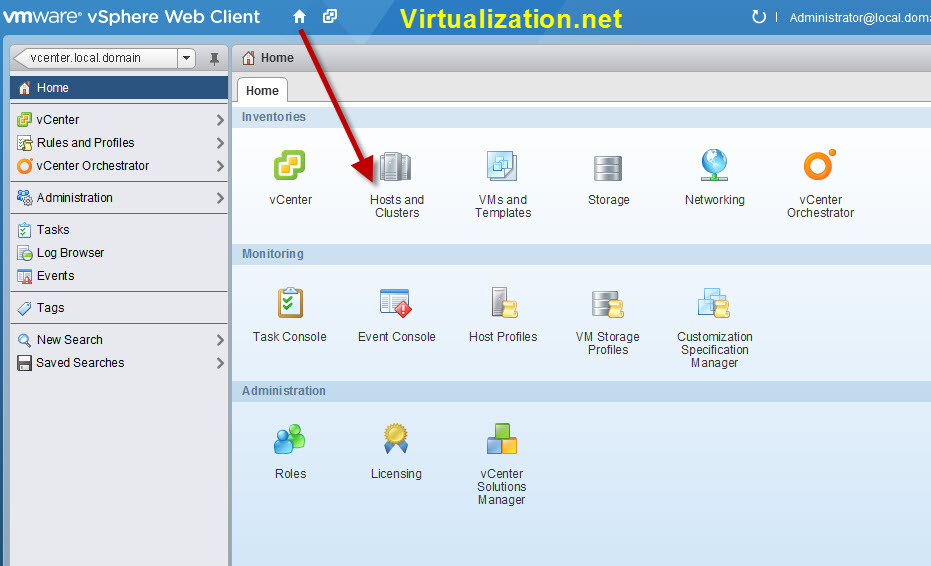
In this how-to tutorial we will look at how deploy a new virtual machine (VM) using the new VMware vSphere 5.1 Web Client. The new vSphere 5.1 web client is web/browser based full featured, intuitive and provides all the features of the installable client. This is going to be one of the first how-to guides… Continue reading How to create new VM in vSphere 5.1 Web Client
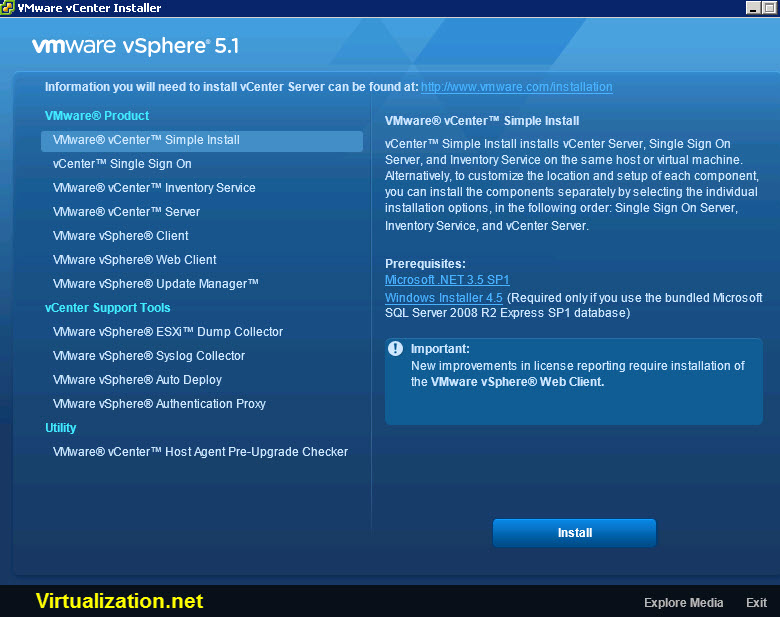
VMware vSphere 5.1 is now released and available for download. Customers who have purchased VMware vSphere 5.1 can download their relevant installation package from the product download tab below. Looking to upgrade from vSphere 4 or Infrastructure 3? Visit the VMware vSphere Upgrade Center. Deploy vSphere 5.1 on the ESXi hypervisor architecture VMware vSphere 5.1… Continue reading VMware vSphere 5.1 Released, Ready for Download
VMware vSphere 5.1 is now available for download. This vSphere Upgrade guide describes how to upgrade VMware vSphere™ to version 5.1. To learn how to simplify and automate your datacenter upgrade, see the vSphere Update Manager Installation and Administration Guide. If you want to move to vSphere 5.1 by performing fresh installations that do not… Continue reading VMware vSphere 5.1 Upgrade Guide